
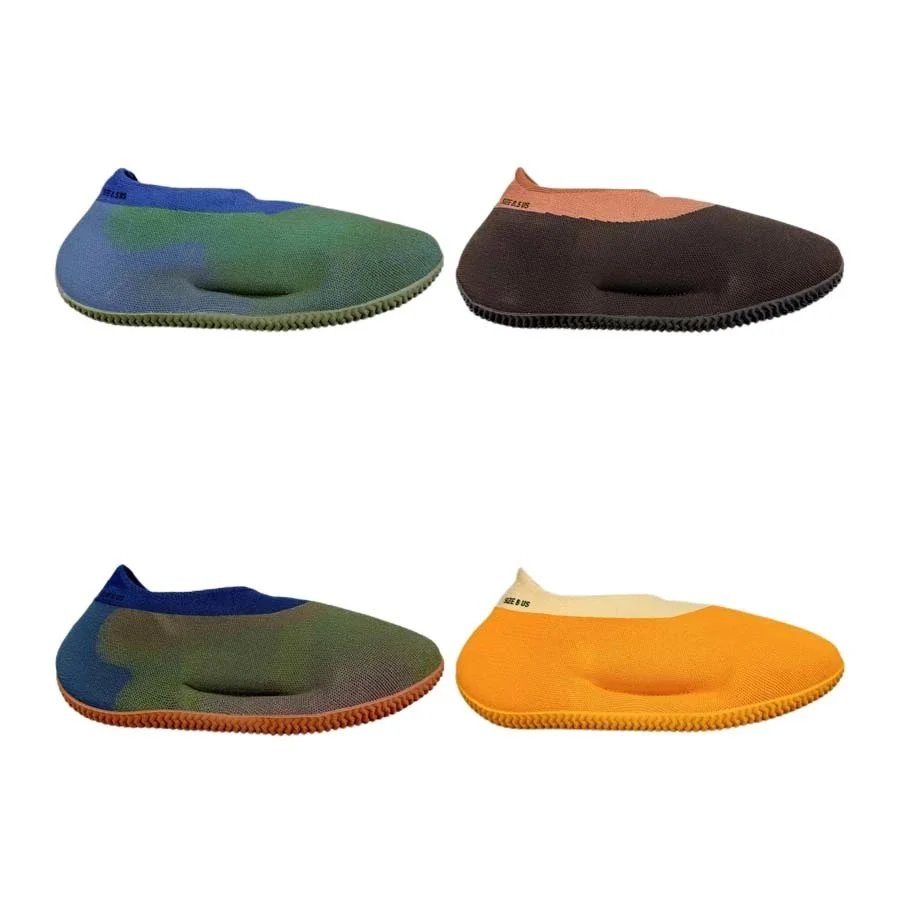
Shoes
Balenciaga Mold Slip-On Knit Water Shoes
USD 59.36Estimated from CNY 396.00
View product detailsView detailsStart with one of twelve categories, compare a few finds, then open the original listing on W2C Yupoo to check the details.
Pick the product type you have in mind. If you already know the model or Source ID, use search to go straight to matching records.
Keep the size, colour and bundle consistent when comparing prices. For clothing, check the measurements against something you already own.
Open the card to confirm the selected option, current price and availability on W2C Yupoo.
Each category has its own browsing tips and a searchable list of products.
Twenty-four fixed starting points span the twelve product categories. Compare the recorded fields here, then use the original listing to check the current option and price.
USD 59.36Estimated from CNY 396.00
View product detailsView details
USD 64.16Estimated from CNY 428.00
View product detailsView details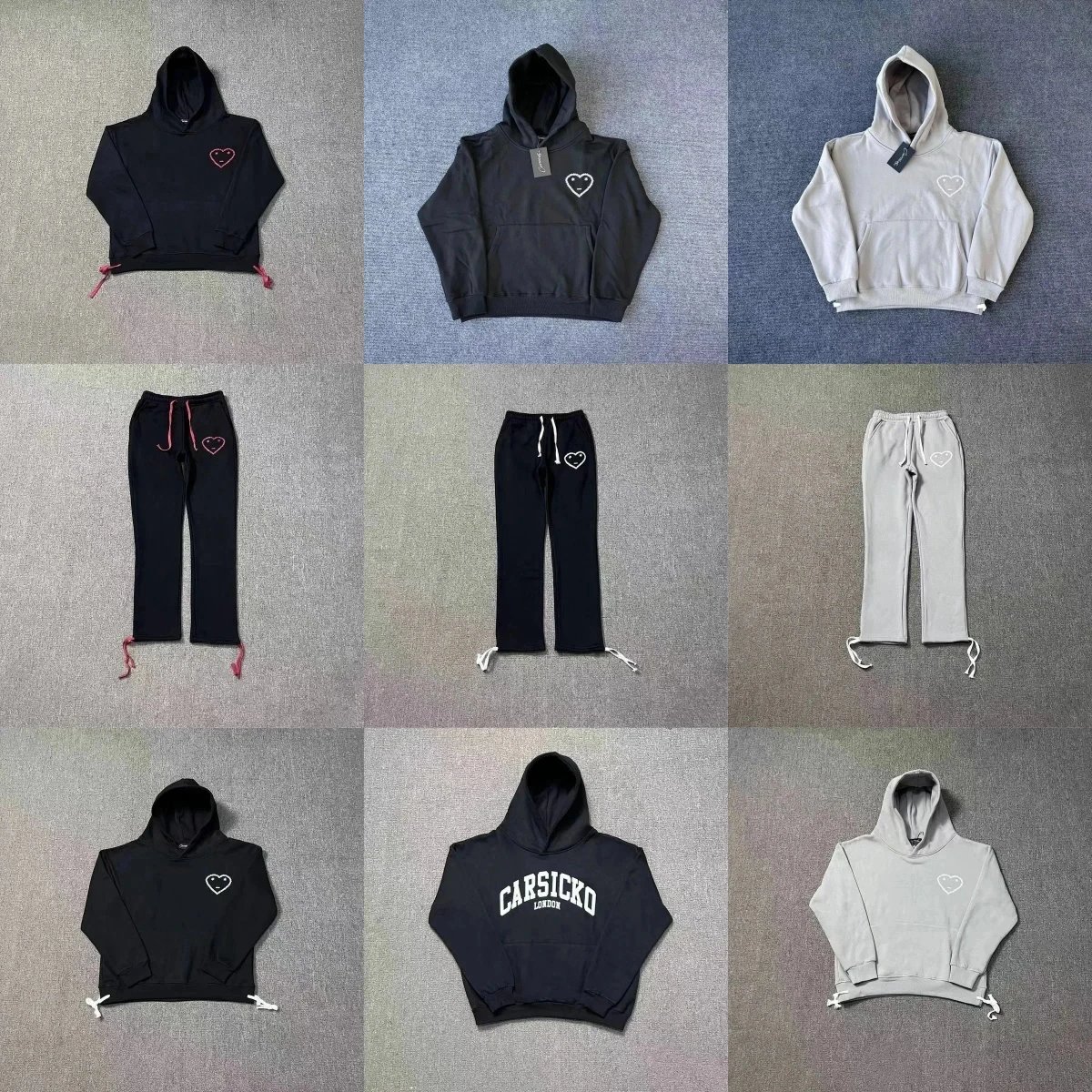
USD 21.74Estimated from CNY 145.00
View product detailsView details
USD 23.69Estimated from CNY 158.00
View product detailsView details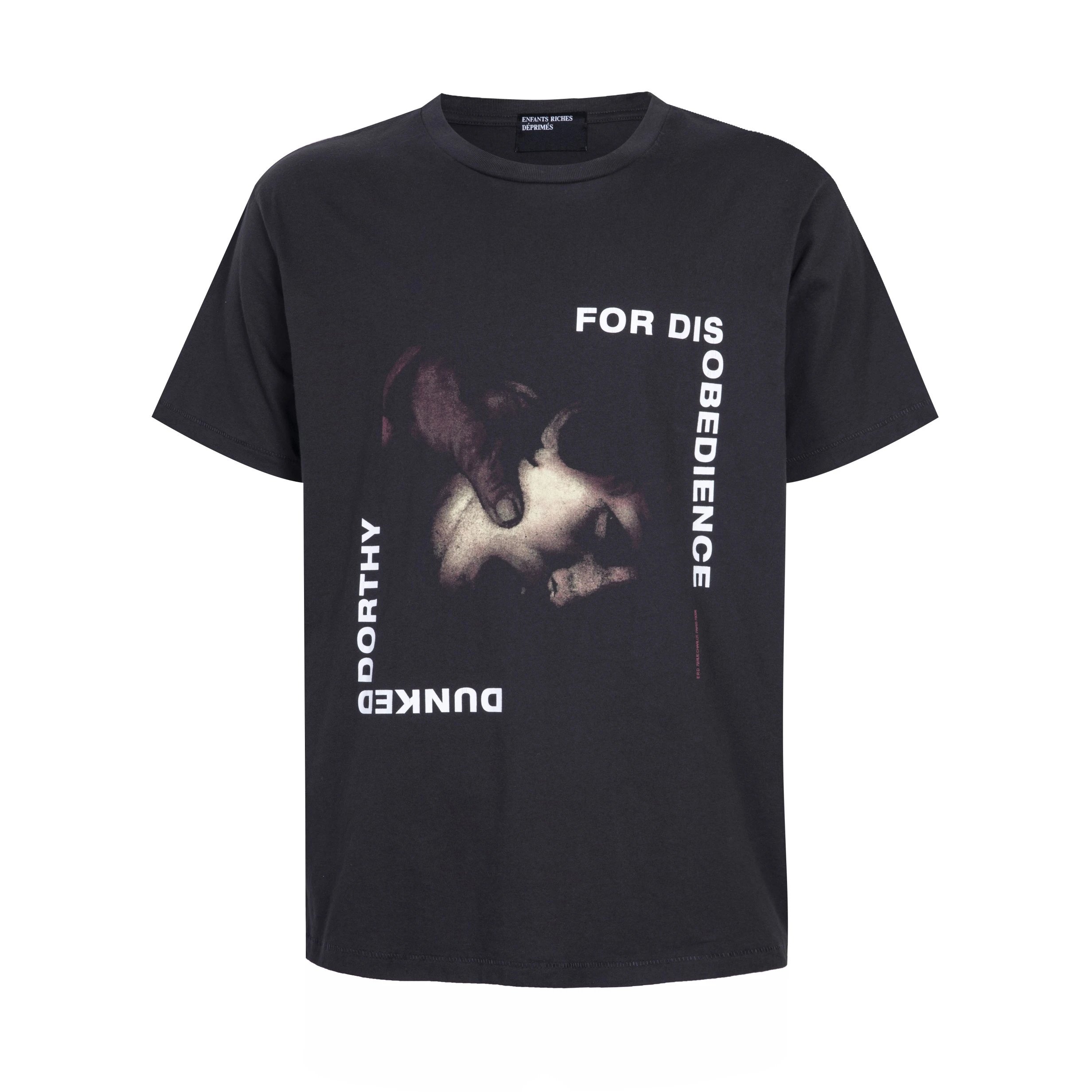
USD 19.64Estimated from CNY 131.00
View product detailsView details
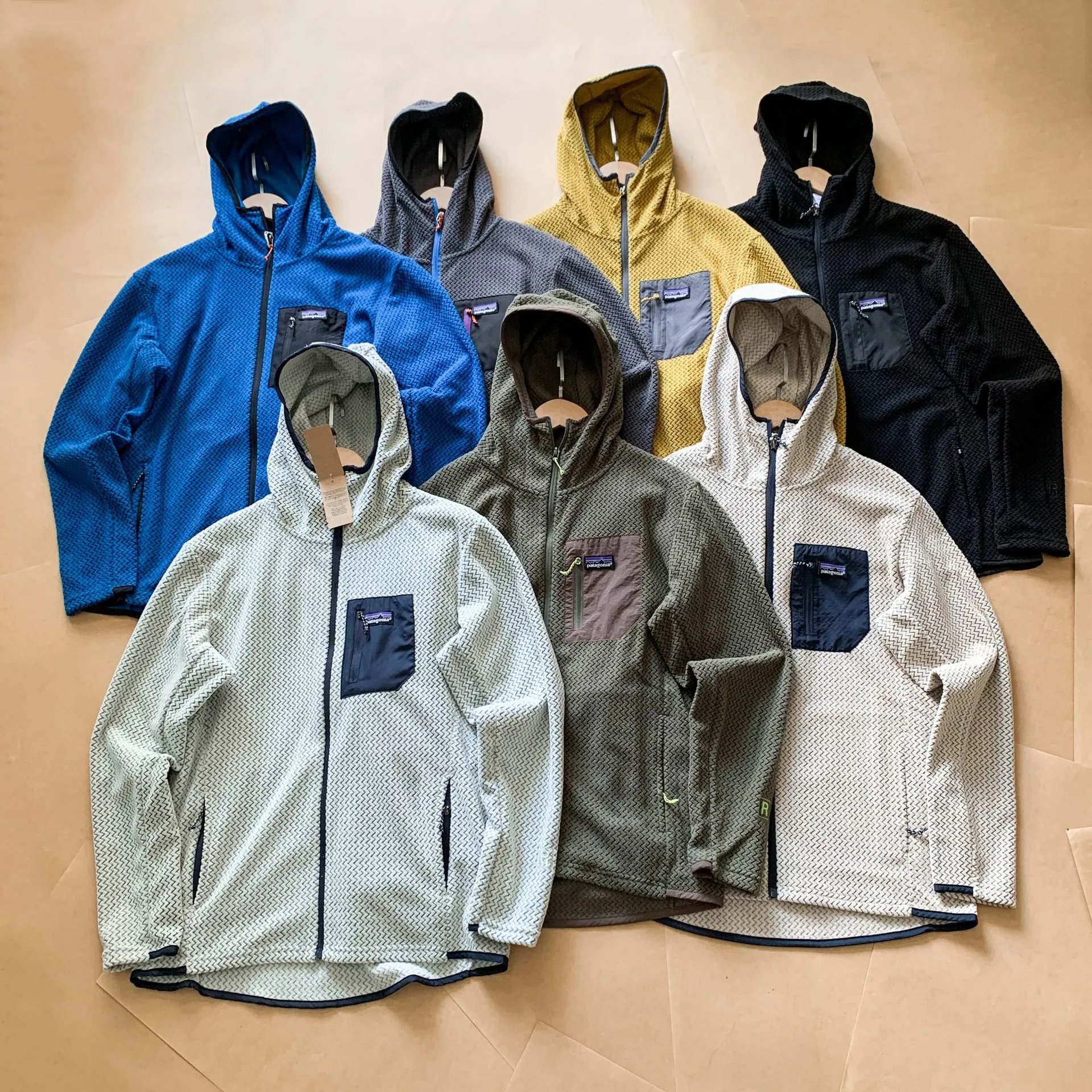
USD 39.58Estimated from CNY 264.00
View product detailsView details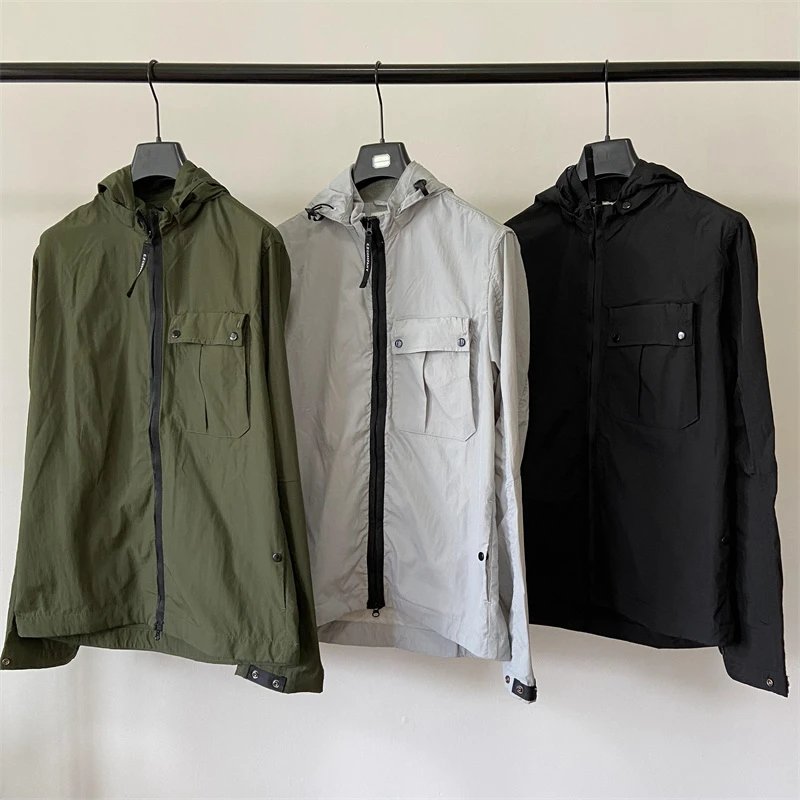
USD 47.07Estimated from CNY 314.00
View product detailsView details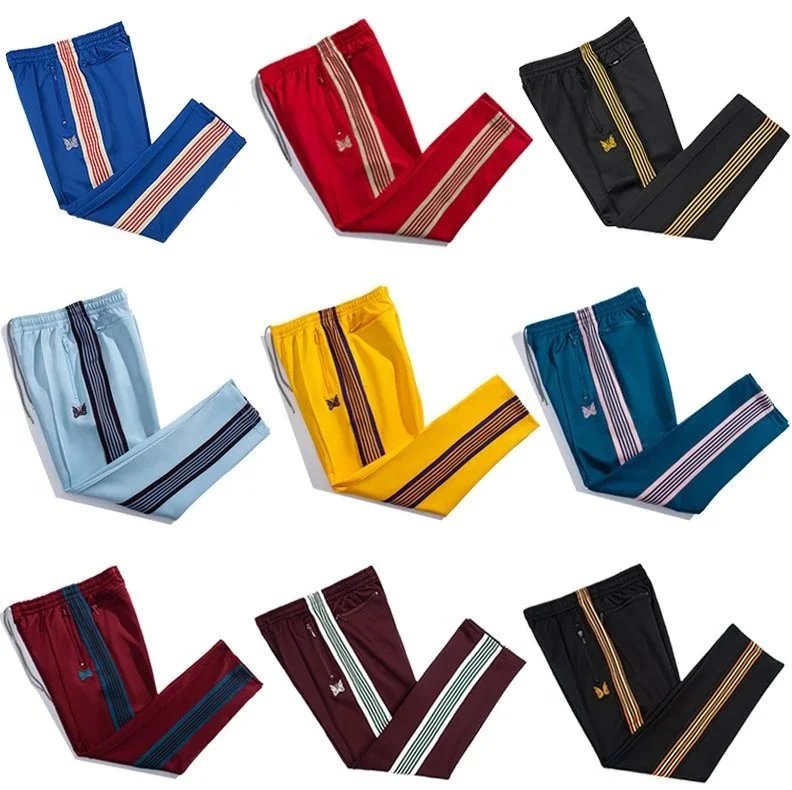
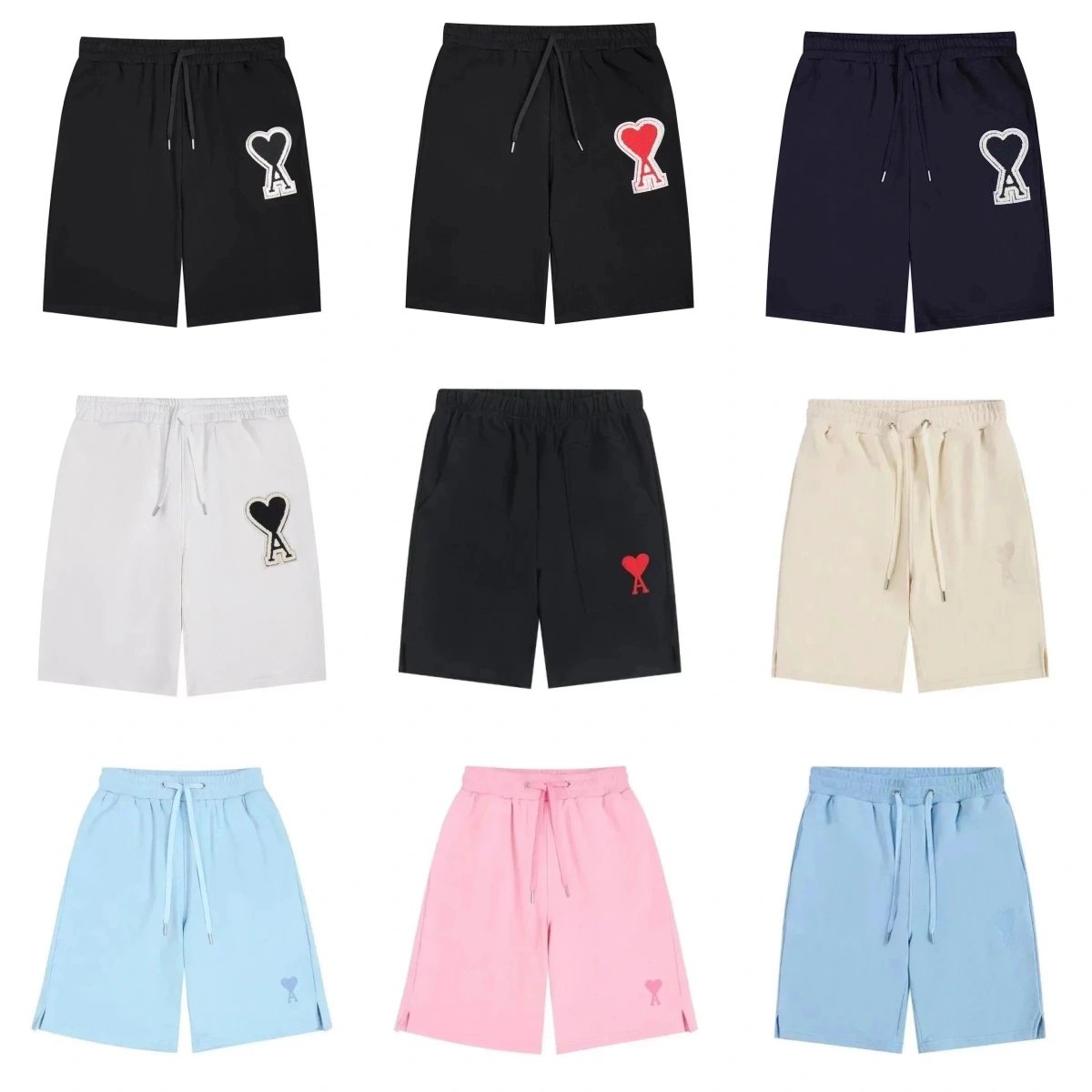
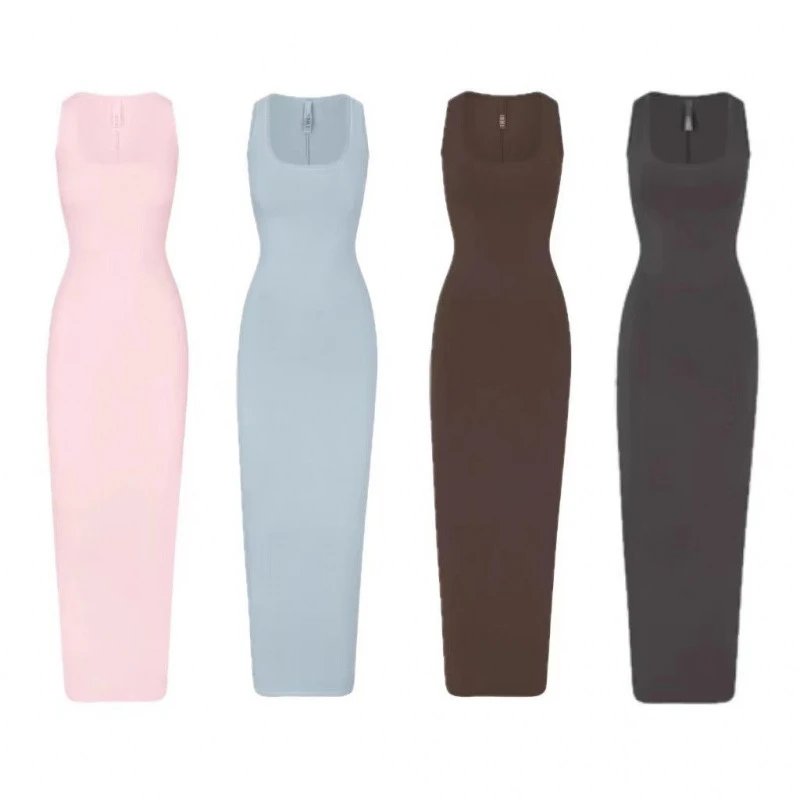
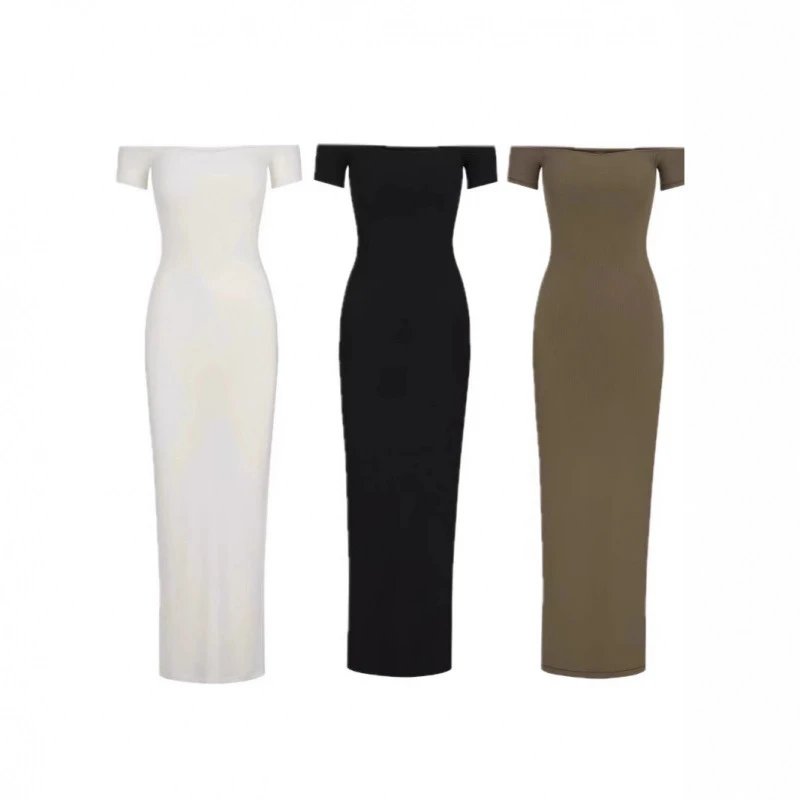
USD 35.83Estimated from CNY 239.00
View product detailsView details

USD 7.20Estimated from CNY 48.00
View product detailsView details

USD 128.62Estimated from CNY 858.00
View product detailsView details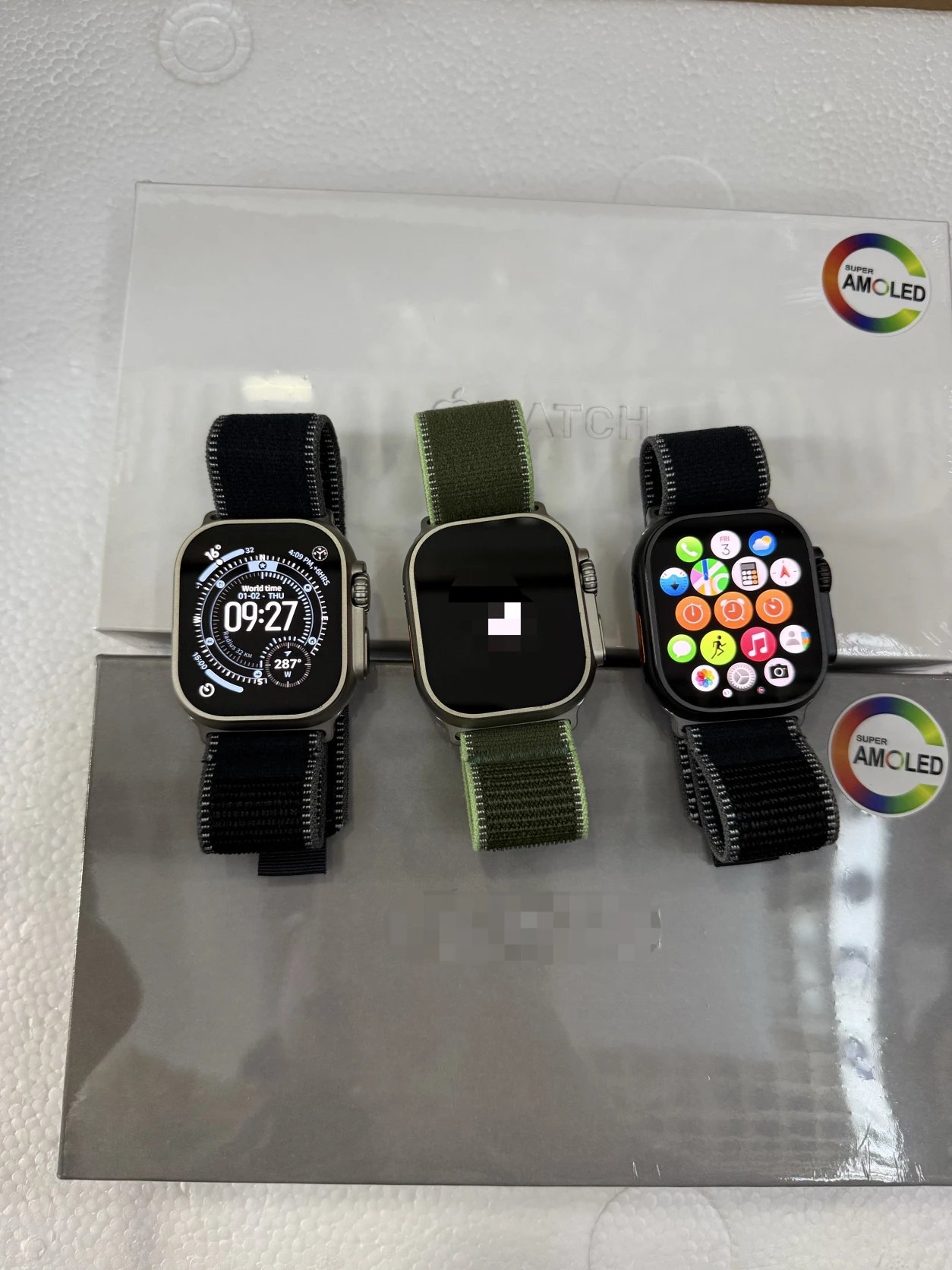
USD 33.28Estimated from CNY 222.00
View product detailsView details

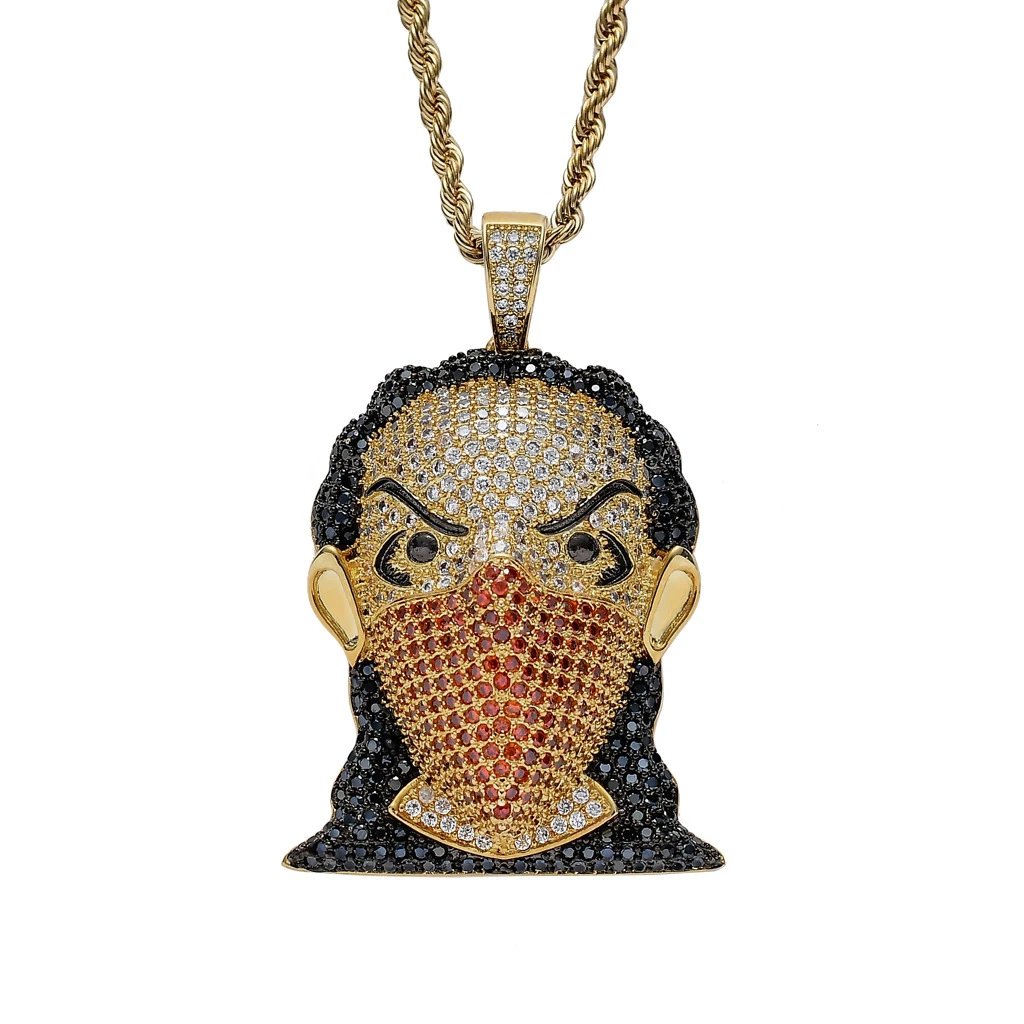
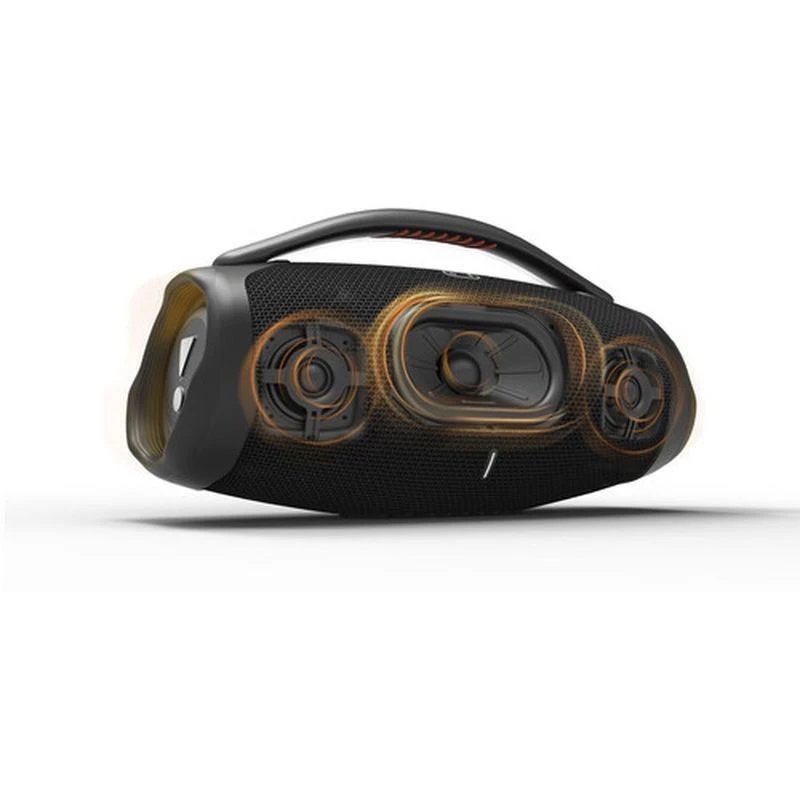
USD 55.47Estimated from CNY 370.00
View product detailsView details
USD 23.69Estimated from CNY 158.00
View product detailsView details
USD 133.72Estimated from CNY 892.00
View product detailsView details
Comparing similar items makes it easier to spot the details that matter. In Bags, you can look at strap lengths and compartment sizes side by side. In Shoes, you can compare size charts and sole profiles before opening a listing.
Save the Source ID and exact option for each item so you can find it again and check what has changed.
Open W2C Yupoo to browse the full directory and check the current listings.